


How to Create and Send the Perfect Invite
Come one, come all
These invitations will urge everyone to RSVP yes…so maybe don’t invite everyone.
As our elves scurry around to bring you Partytrick invitations in the near future, consider our friends at HiNote or Paperless Post to create your party invites.
________
Here are our picks to create easy (and beautiful) invitation options.
What to include on invites:
These may seem obvious, but to make sure you hit all the necessities, here are the items you want to ensure your invitation offers.
- What: Best party ever
- When: Date and year (you may want to save this invite for memories)
- Where: Your epic house (or another fun location)
- Time: Start and finish (if you don’t want them staying past whatever time you turn into a pumpkin)
- What to bring: BYOB? Potluck? App to share?
- Theme: Are we dressing up? Will they be carving pumpkins (which impacts outfit choice)?
- Attire: Envisioning a boujee cocktail party? Make it known.
- RSVP: Include a date to let-you-know by so you get a firm final number.
- For kids parties: Include whether parents should stay or are free to drop off their kids. See more about hosting a kids party (and how to survive).
Our favorite ways to make invitations
1. Text a Canva image
We love Canva. No need for a degree in design or photoshop once you have access to this app. With all the capabilities Canva offers, you can easily upload photos or source images from their platform, and add text overlay to give it the artistic flair you like.

2. Try HiNote
Instantly elevate your invitation and put your personality back into your messages, as the app says. With current, enticing lingo and charming imagery, HiNote simplifies your process as it adds a major element of quality to your party plan.

3. Use an Ole Faithful: Paperless Post
For $4 more than the standard Evite you’ve likely received via text or email, try this option for an invite that will impress. Choose from a plethora of templates and holiday themes to find the invite that suits your vibe. With options to upload your own design, as well as track RSVPs and handle guest messaging, there are plenty of capabilities here.

Pro Tip: Having a tough time linking up your crew’s full schedule? Include a doodle link so friends can choose or give input to which dates work best for them. Unlike your typical invite, this semi-finished product wouldn’t have the date on the invitation. Just yet, anyway. This saves the back-and-forth text messages to see which weekends work best for the majority.
With that, get to creating and inviting away. The great thing about these invitation platforms is that you don’t need to do much of the designing, so you can work away at planning your party itself. The heavy labor on your part will be selecting from the vast array of intricately beautiful options.
More tips for behind the scenes of your planning process:
More articles

How to Host a Mahjong Night for Beginners
Planning your first Mahjong night does not require an elaborate theme or a full evening of instruction. Use this practical guide to choose a date, invite the right group, set up the table, serve easy food, and help beginners feel comfortable.

How to Host a Murder Mystery Dinner Party
This is a beginner-friendly guide to hosting a murder mystery dinner party at home. It covers choosing a game, assigning characters, planning an easy menu, and building an evening your guests can follow.
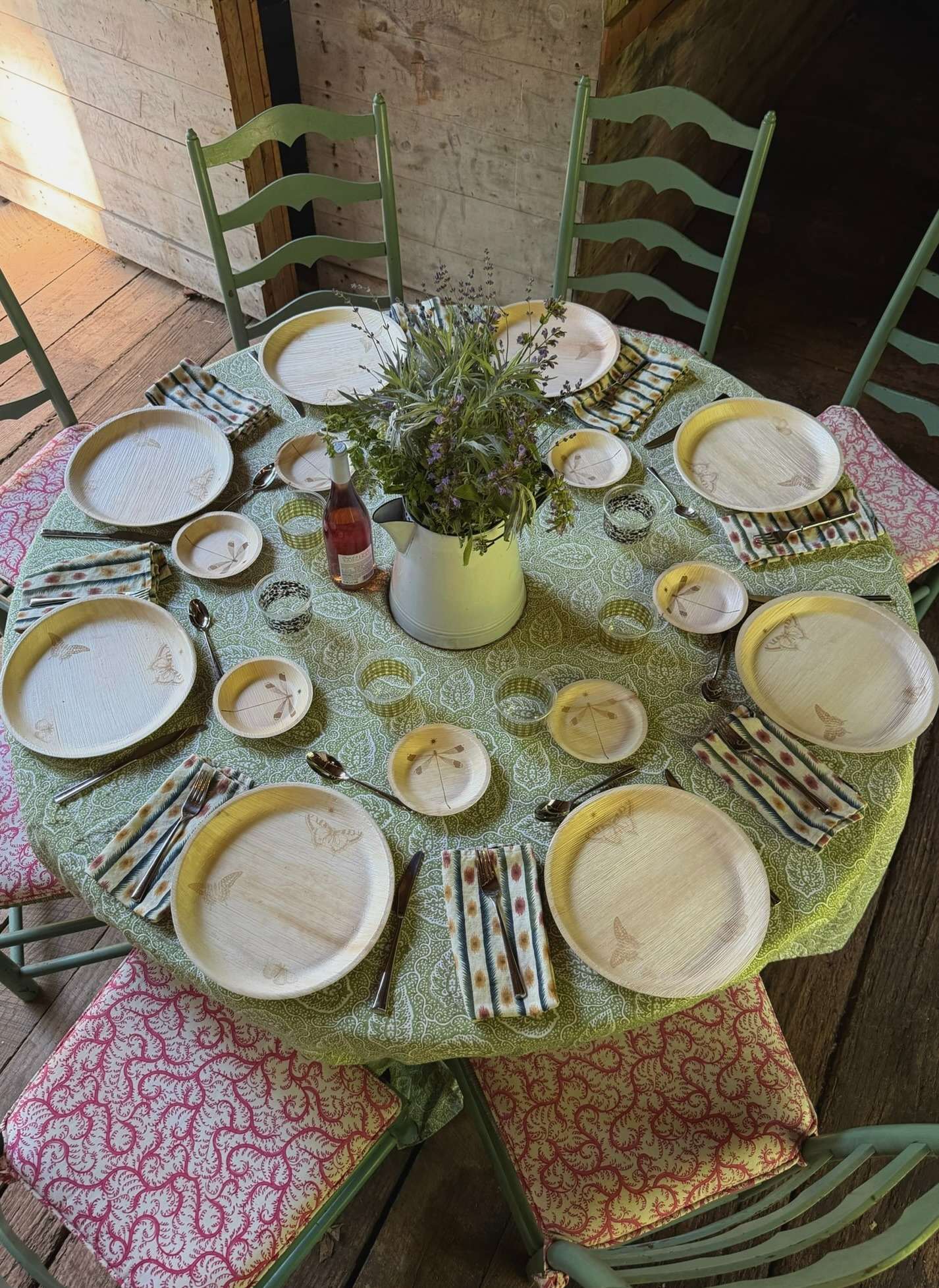
How to Host with Maaterra: Compostable Tableware for Gatherings That Look Good
See how Maaterra tableware works for dinners, brunches, and outdoor gatherings, then choose what you need and save 15% with Partytrick.

Sign up for expert tips, exclusive content, and the 411 on the latest parties—all straight to your inbox.
Your shortcut to stress-free hosting
Spend less time coordinating and more time actually connecting.